






Description
Description:
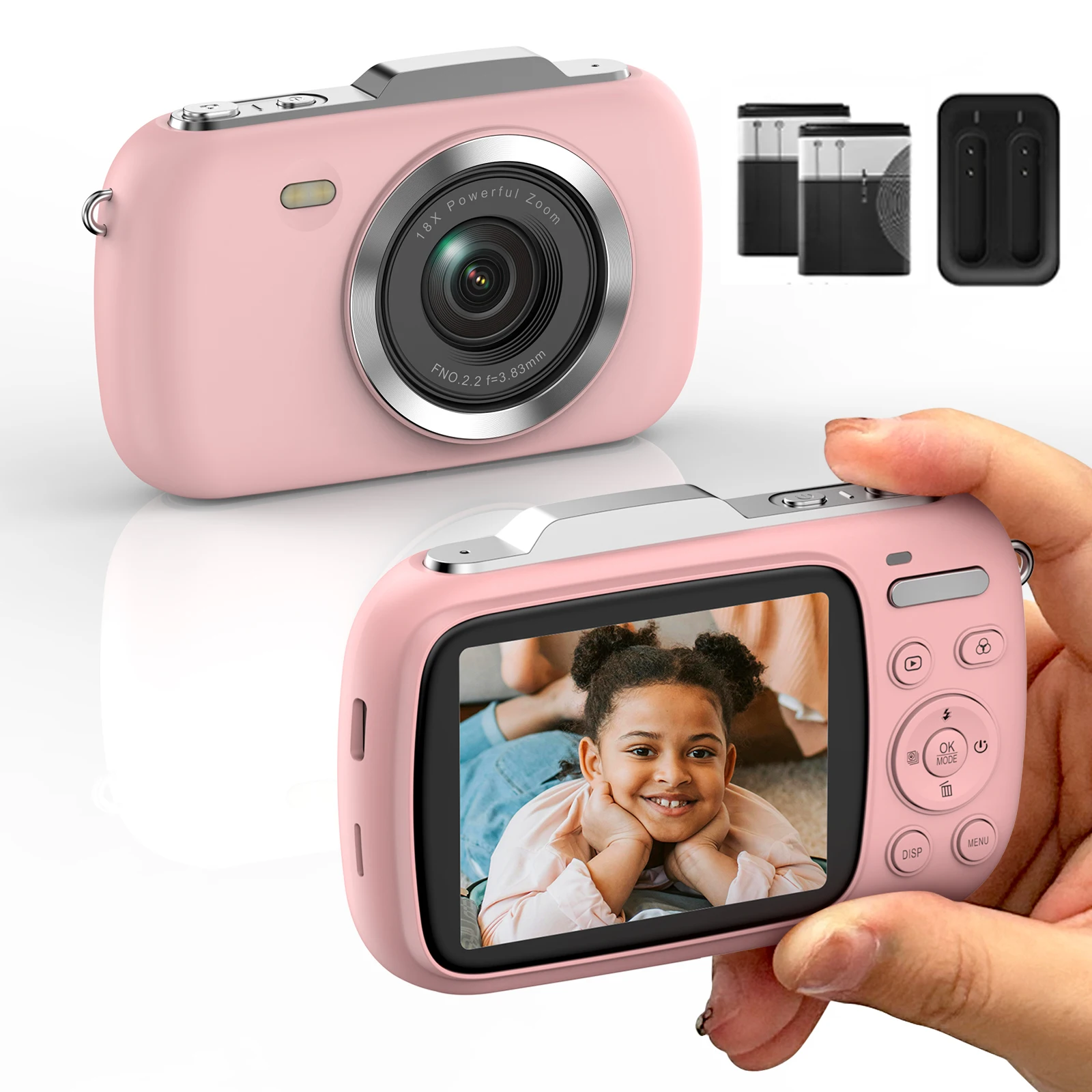
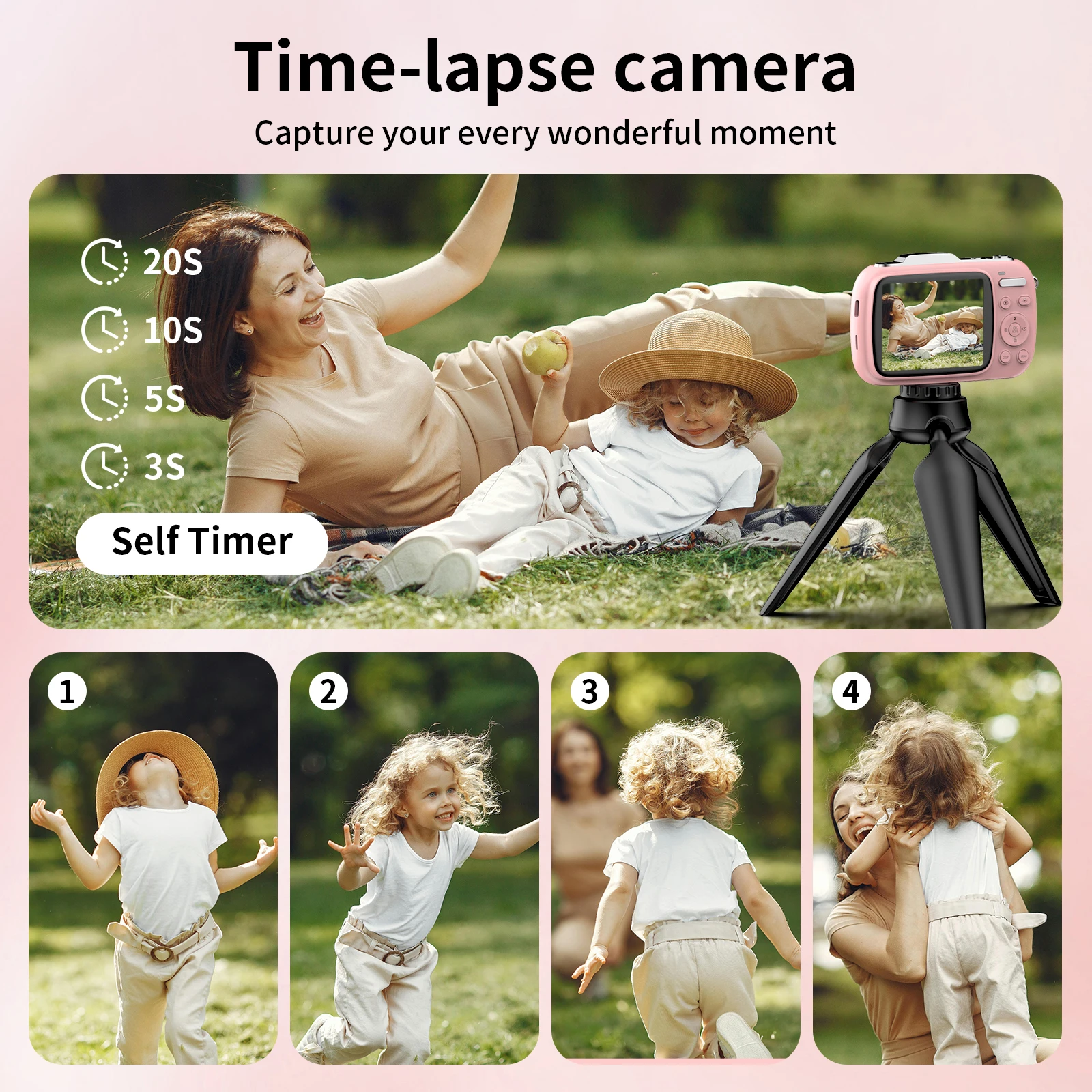
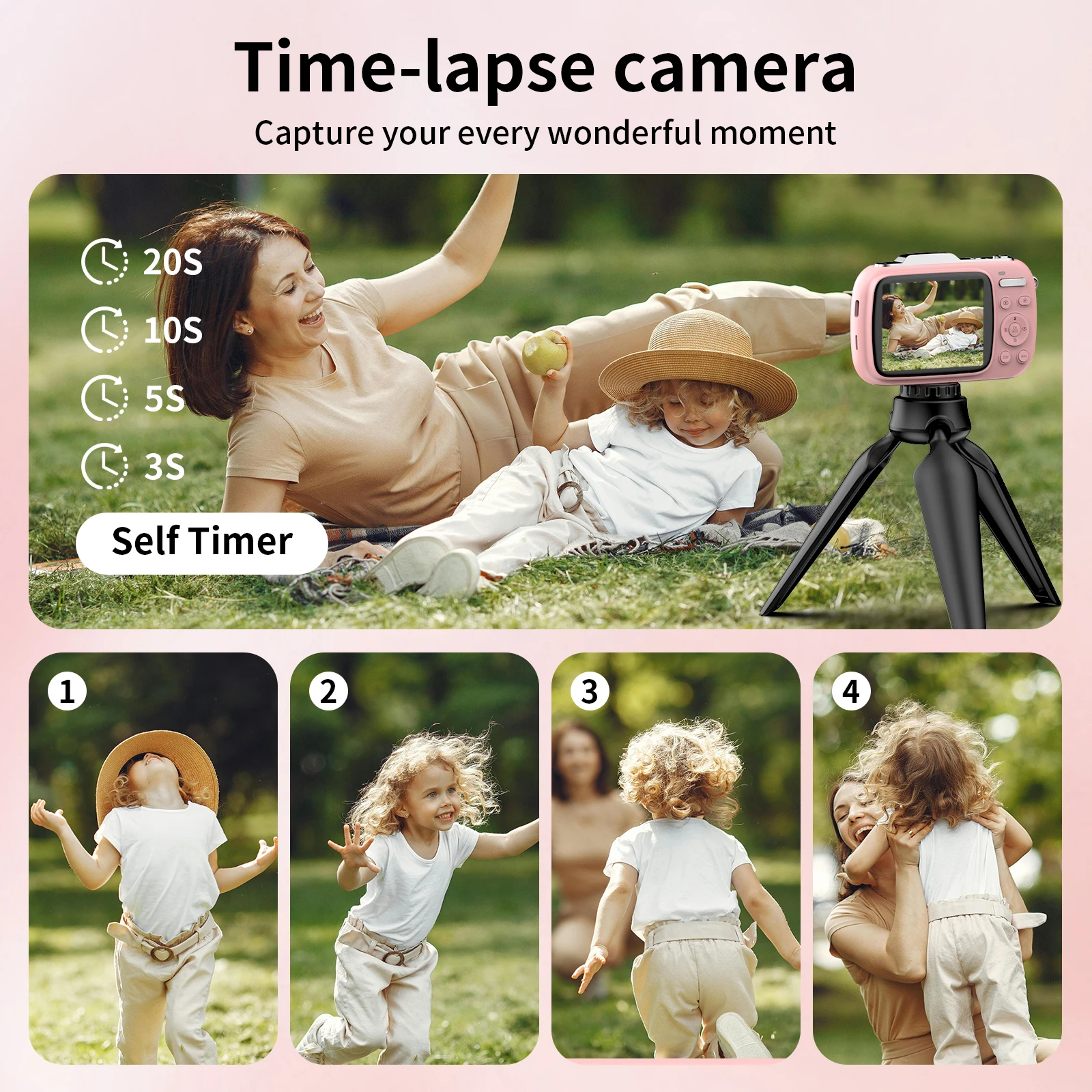
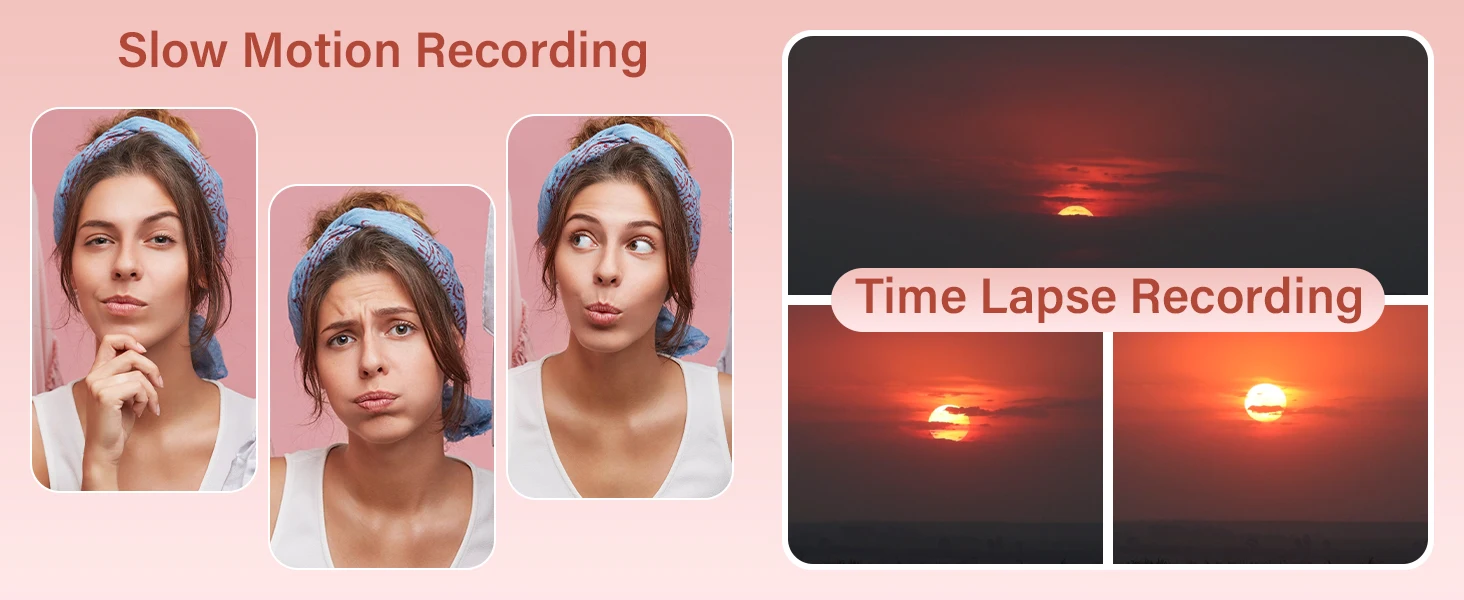
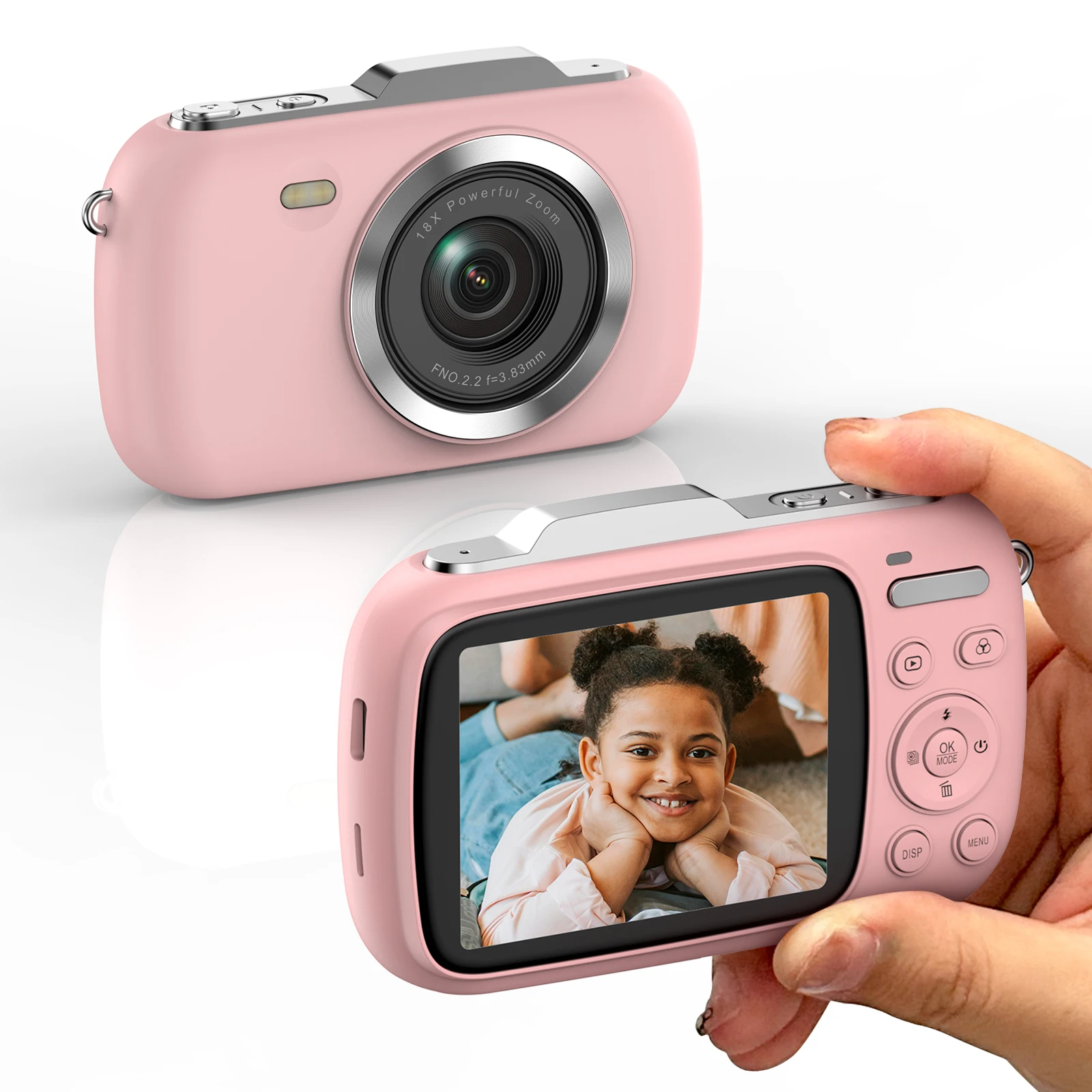
1. Mode Selection:Press the [OK/MODE] key on the main interface to enter the mode selection menu. The mode selection menu includes: Normal Recording, Normal Photography, Slow Photography, Loop Recording, Time-lapse Recording, Automatic Photography, Continuous Photog
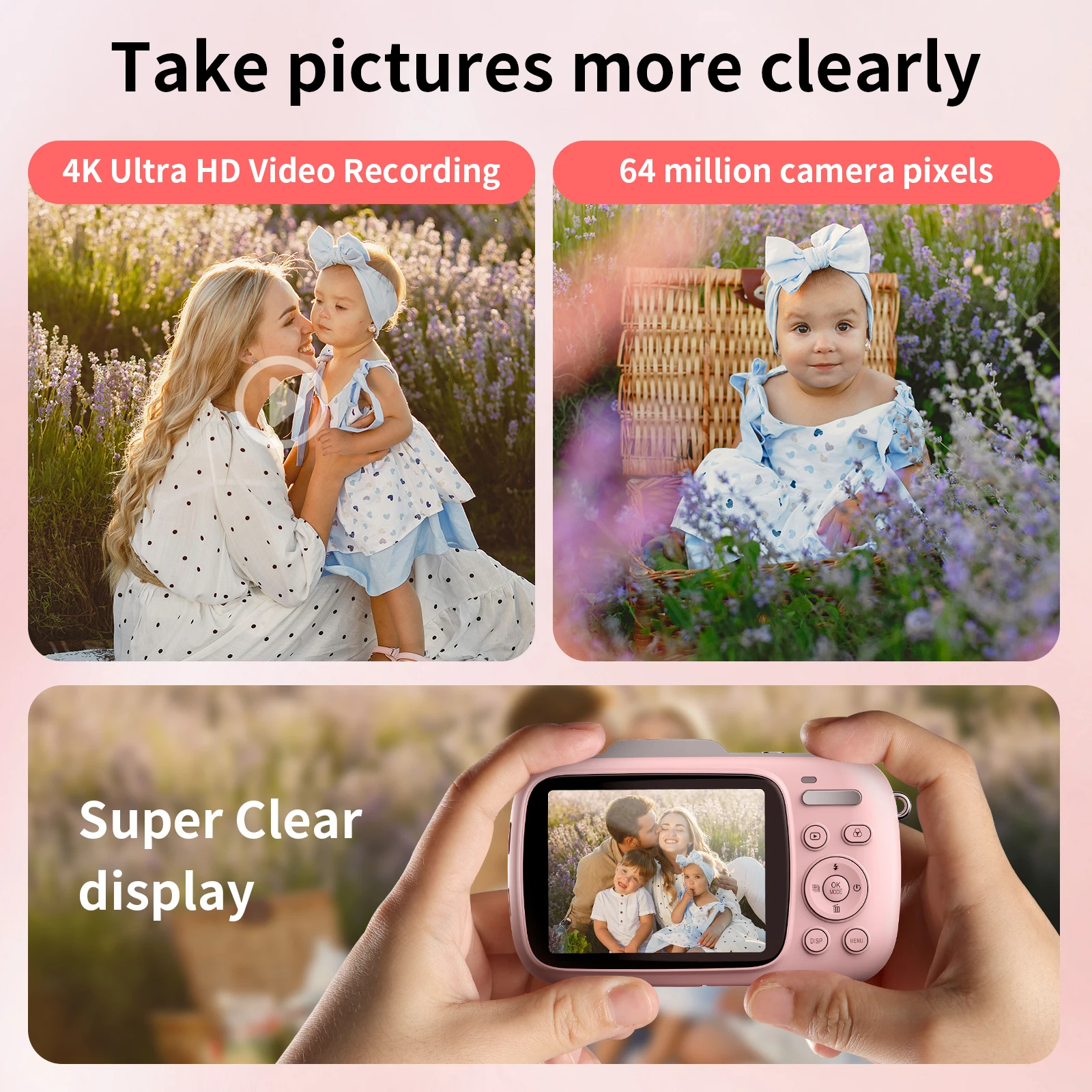
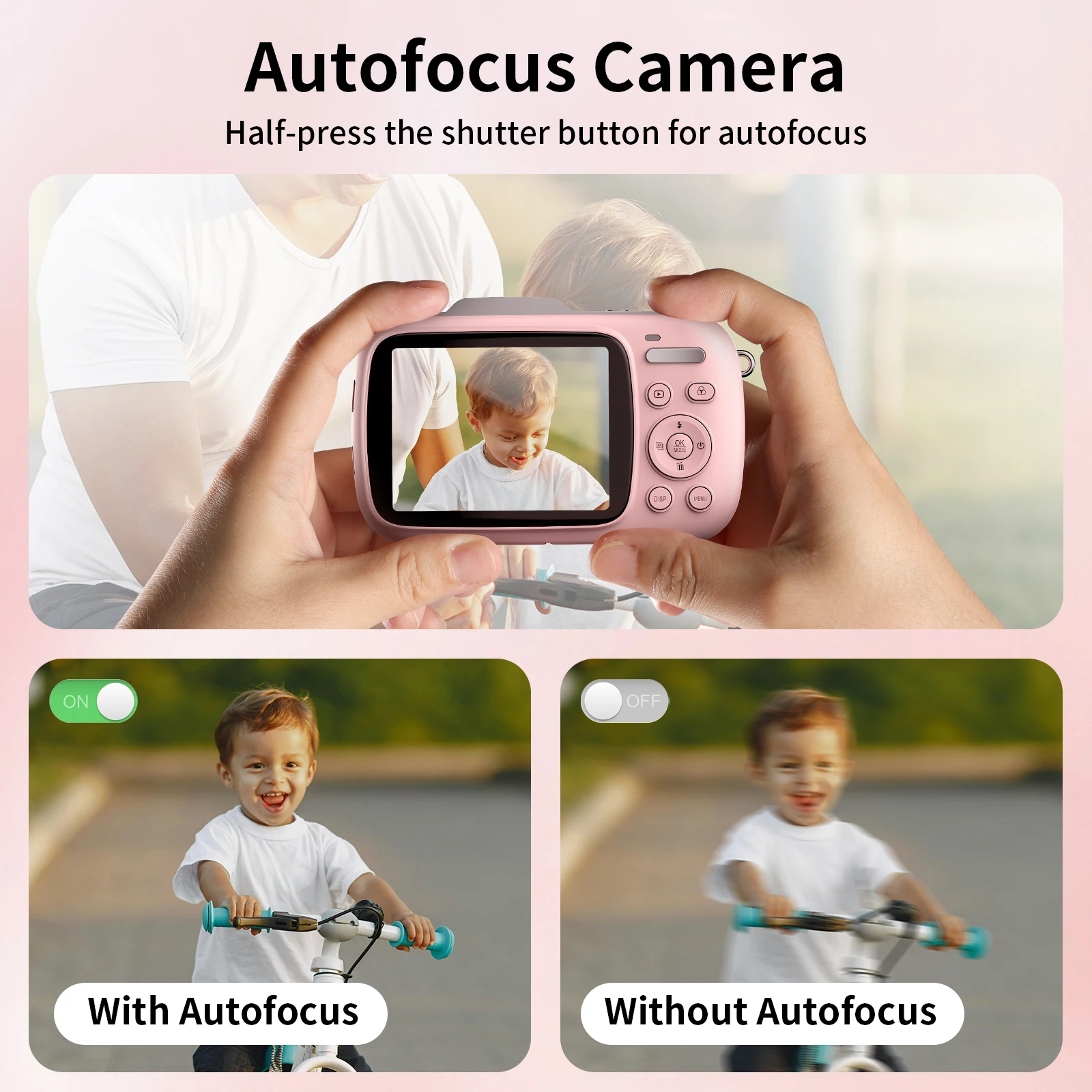
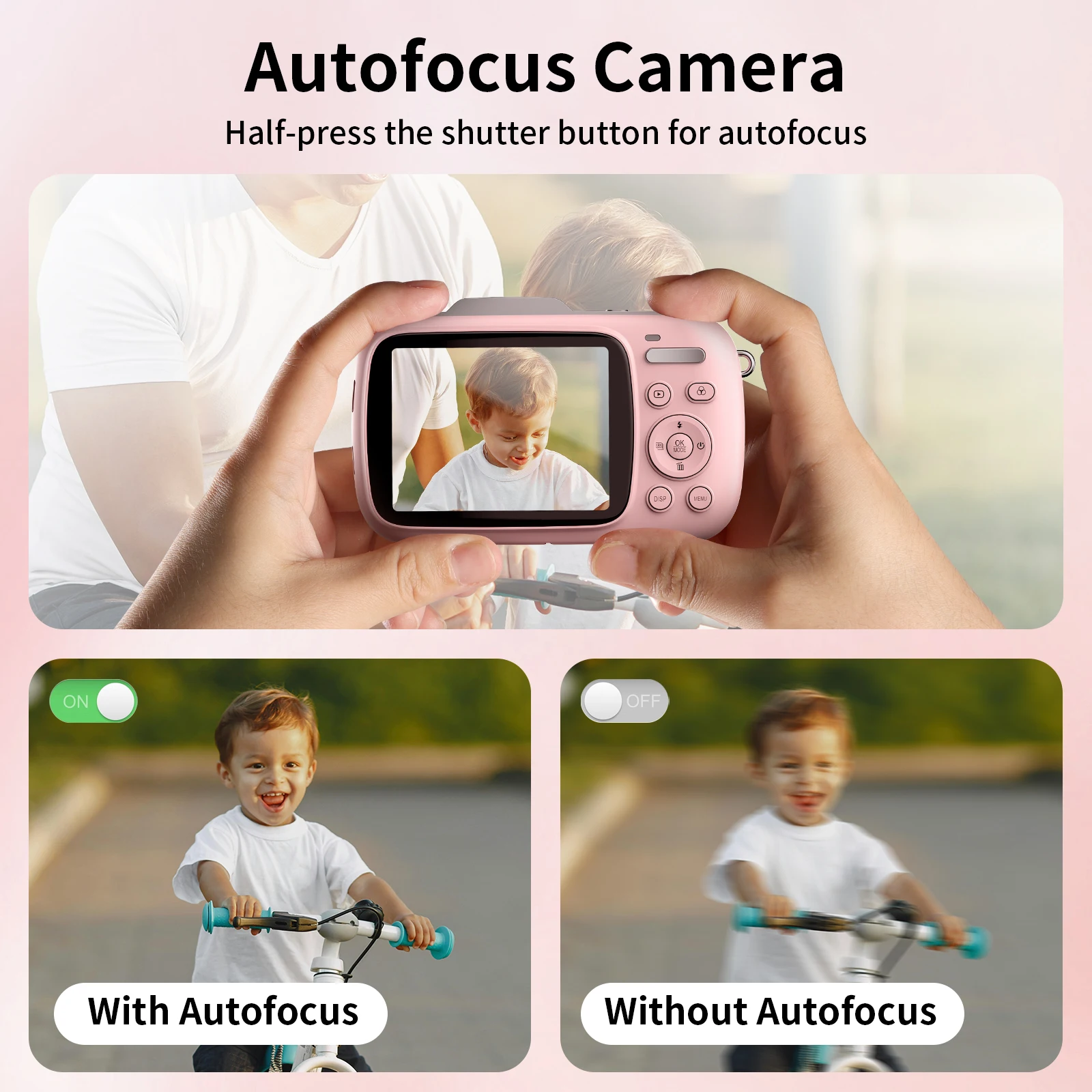
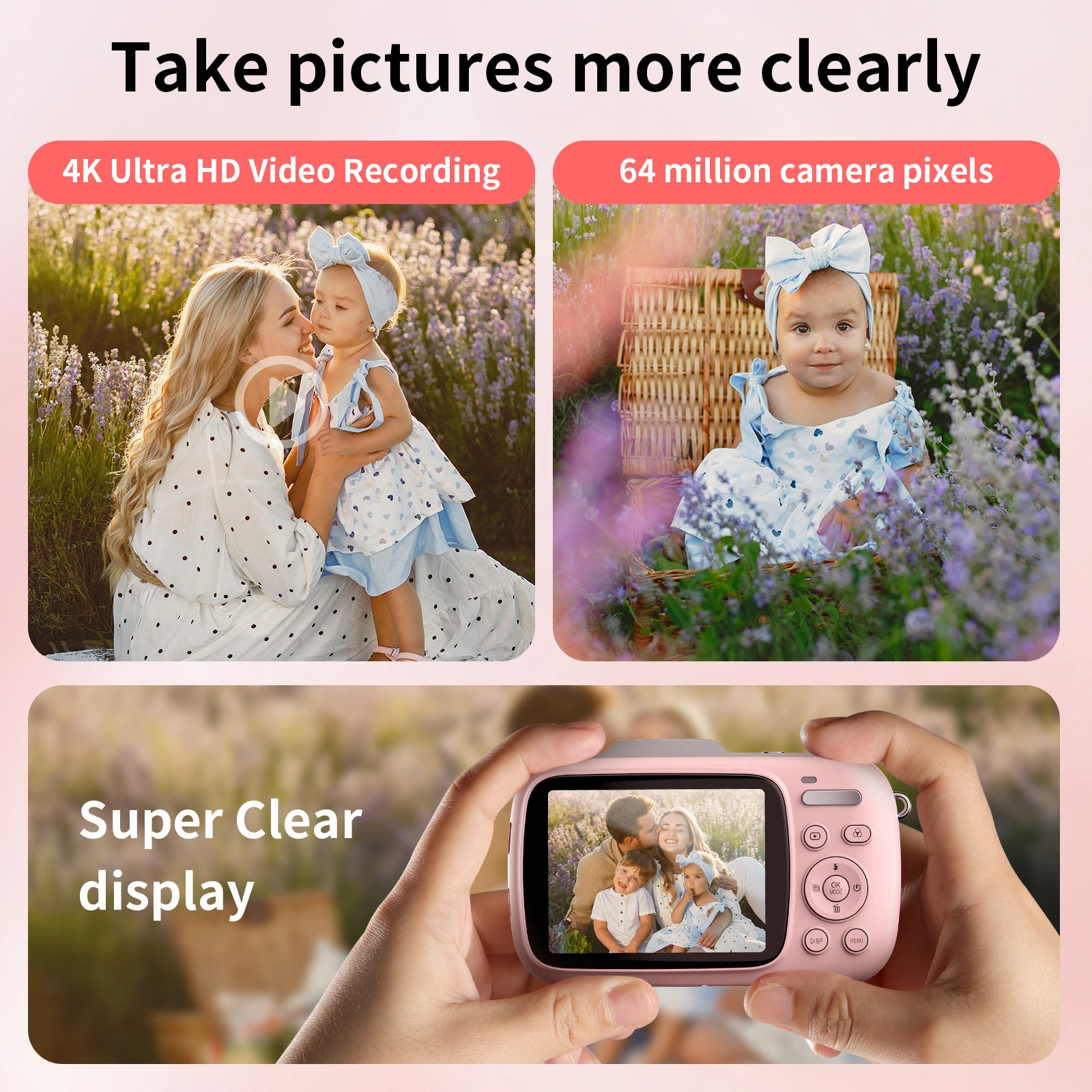
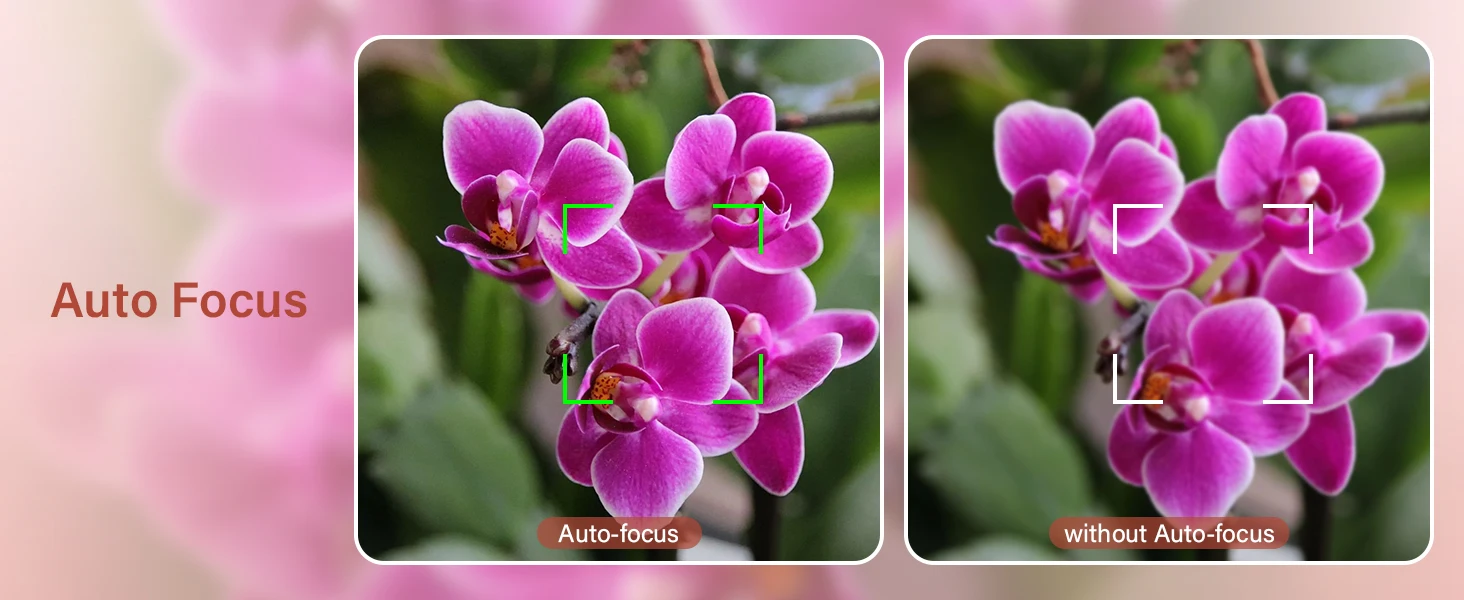
2. Take Photos :Select [Normal Photography], point the camera at the subject, hold the camera smoothly, and press the photo key to focus. When
the green box appears.then press the photo key to shoot, and press T / W to zoom in / out of the object.
3. Video Recording:Select [Normal Recording] and press the Photo button to start / stop video recording.
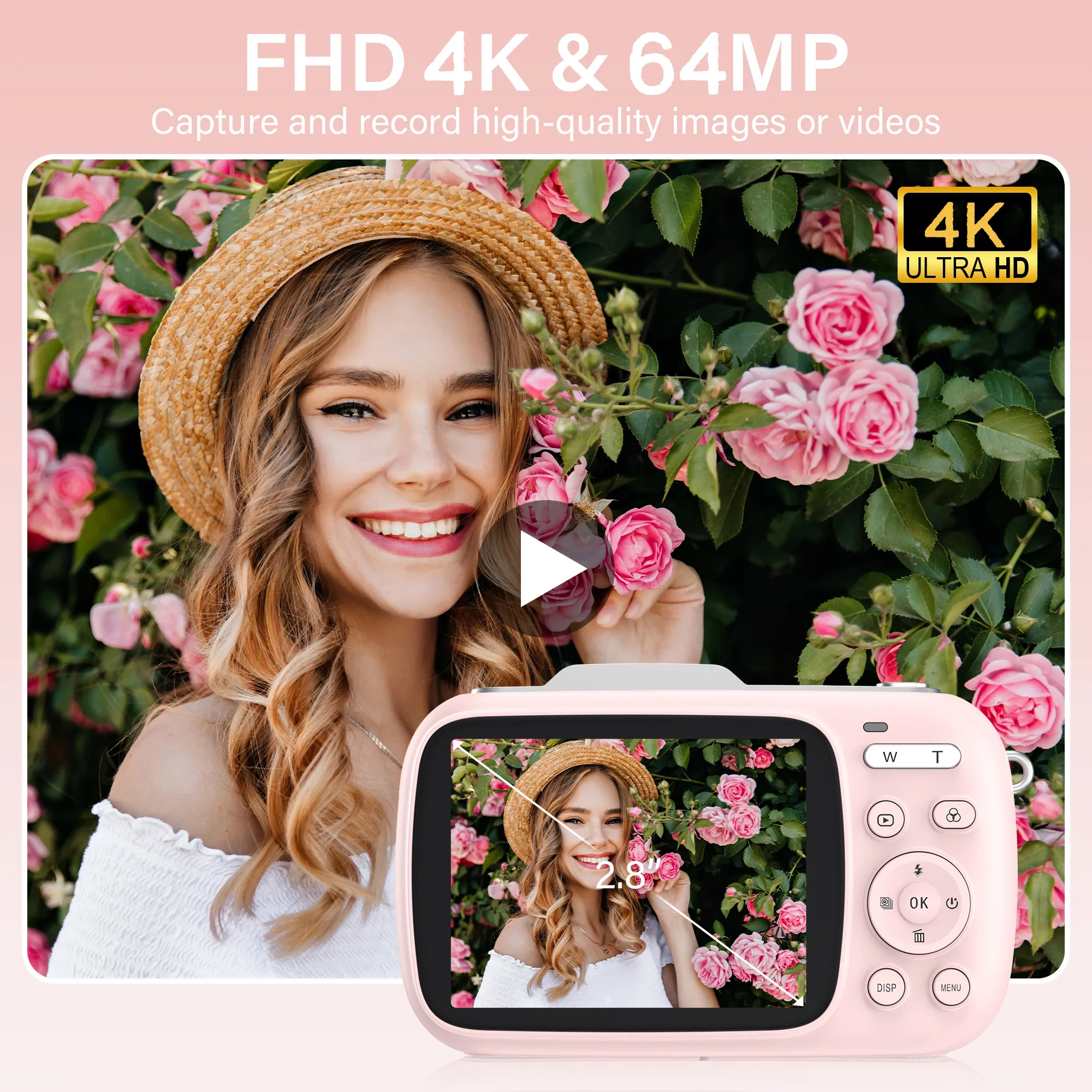
4. Playback Photos / Video :After taking photos or videos, you can play them back directly in this camera. Press the playback button to view the taken and
recorded photos / videos, press the left and right buttons to view the
taken photos / videos, and press OK to play the video.
Package Includes:
Digital Camera*1
Battery*1
USB Cable*1
User’s Manual*1
TF Card*1 (Based on your choice)
Charger * 1 (Based on your choice)
Backup battery*1 (Based on your choice)
There are no reviews yet.